Step by step
How Pack Planner works
From download to your first shared week in a few minutes.
- 1
Create your family
Download the app or open it in your browser, sign up and name your pack. Add your kids — they don't need a phone.
- 2
Invite everyone with a link
Send the invite link to your partner, grandparents or the babysitter. Inviting is free, however many people join.
- 3
Bring in what's already there
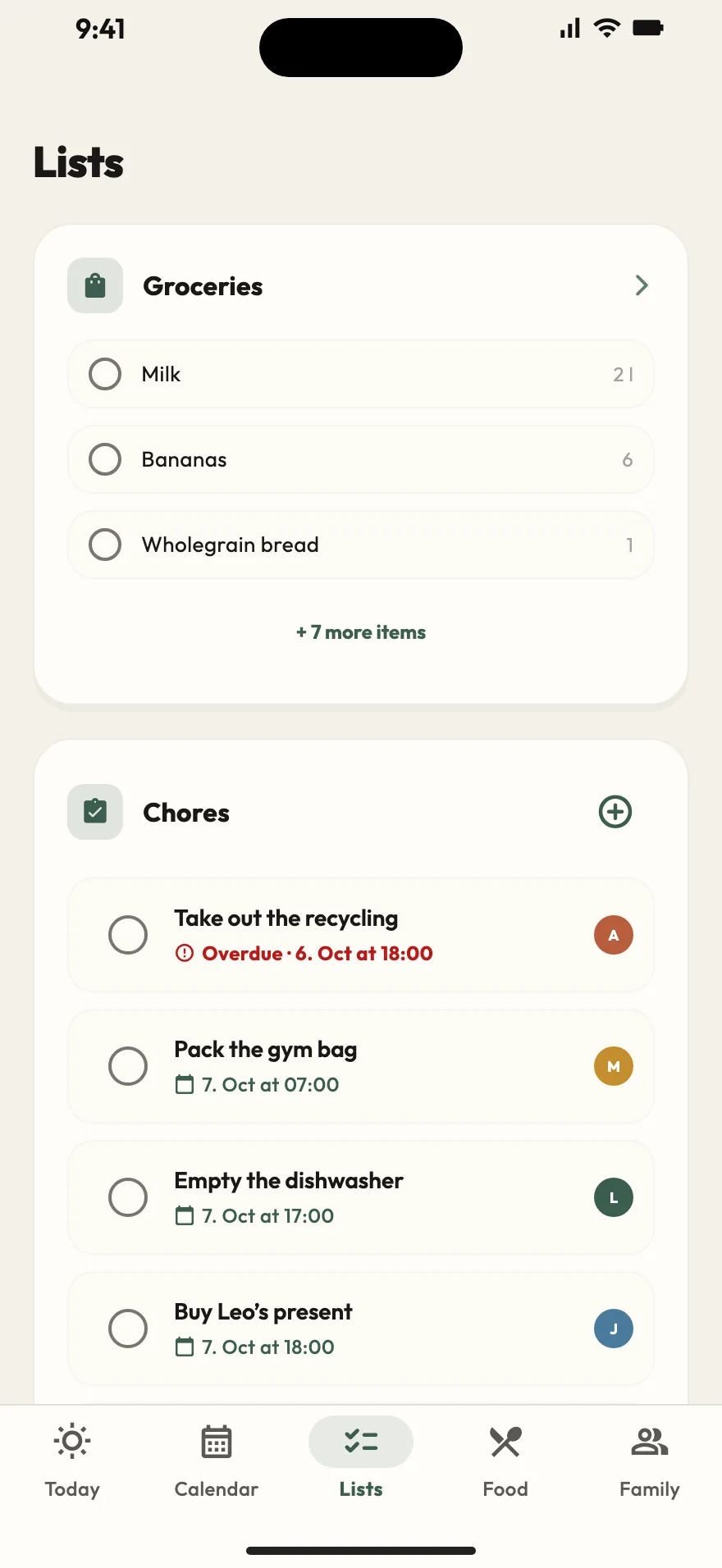
Subscribe to the school or daycare calendar via iCal link, connect Google Calendar with Premium, and add your first shopping items and chores.
- 4
Everyone stays in sync
Changes show up for the whole family straight away. The grocery list and chores even work without signal and catch up once you're back online.
Start planning together today
Available on iPhone, iPad, Android and in the browser.